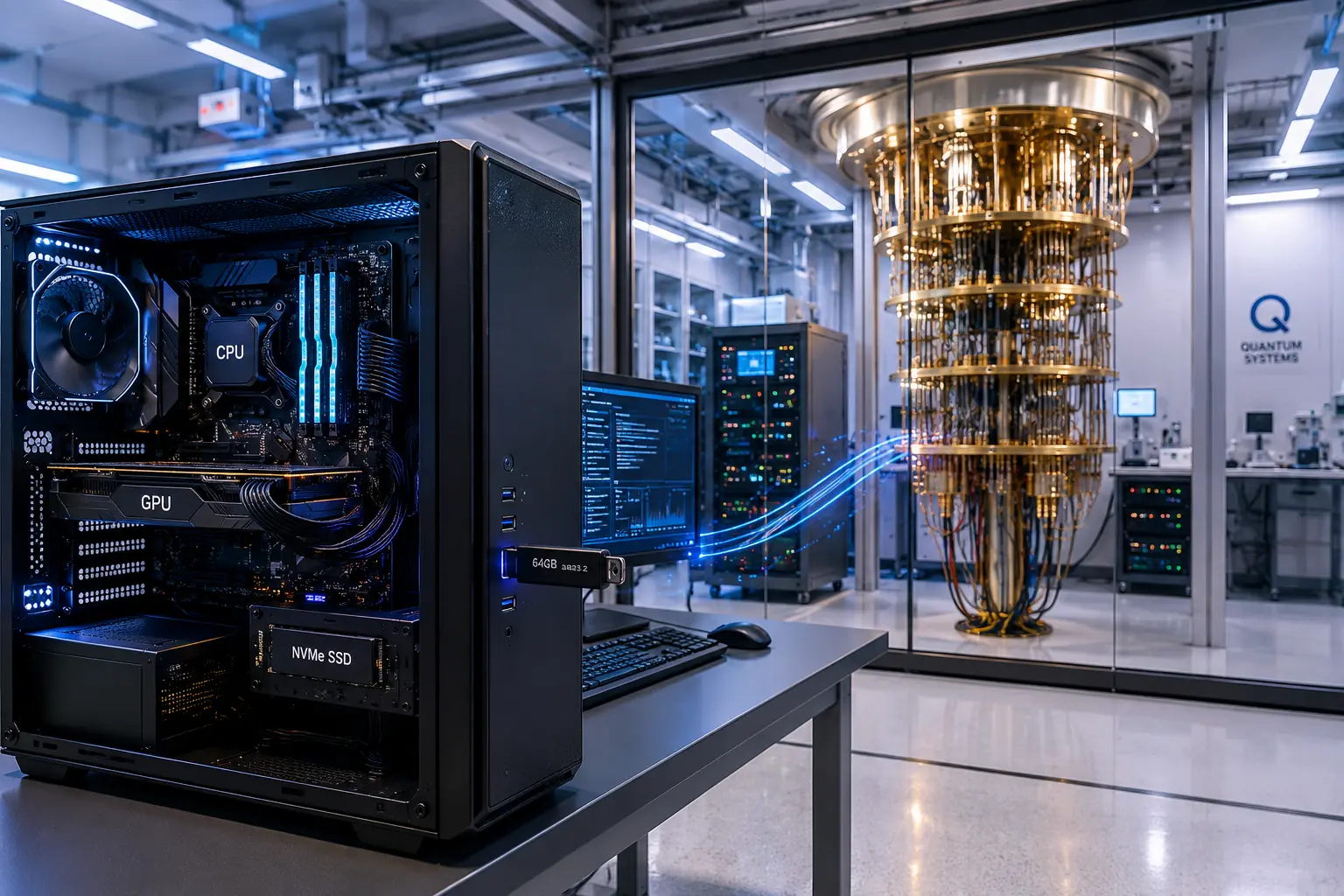
Every few months I hear someone say, “I need to buy an NVMe,” while someone else says, “No, you need an M.2 drive.” Before long the conversation turns into a debate, even though both people are usually talking about the exact same product.
The problem isn’t that either person is wrong. The problem is the storage industry did us no favors with the naming.
If you’ve ever wondered whether M.2 and NVMe are the same thing, you’re certainly not alone. Even plenty of people who work around computers every day use the terms interchangeably. The good news is the explanation is actually much simpler than it first appears.
Think About Cars
The easiest way to understand this is to compare it to a car. Imagine you ask someone what kind of car they own. One person answers, “It’s a pickup truck.” Another says, “It has a diesel engine.” Neither answer is wrong. One describes what the vehicle looks like, while the other describes what powers it.
That’s exactly what’s happening with M.2 and NVMe.
M.2 Is the Shape
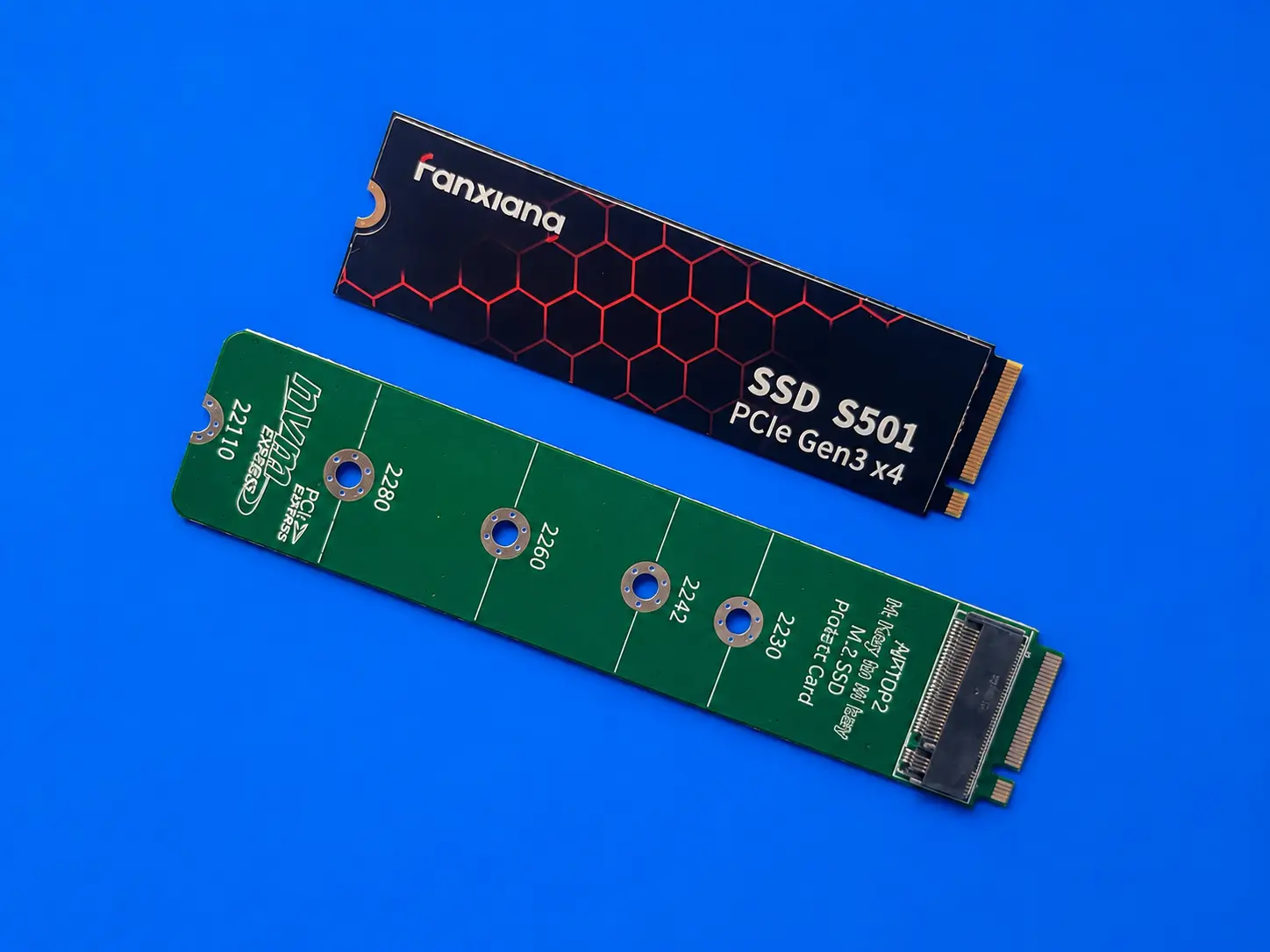
M.2A physical form factor for SSDs, describing the size and shape of the storage device. simply describes the physical size and shape of the storage device.
If you’ve ever opened a modern laptop or desktop, you’ve probably seen one. It looks like a small stick of gum with memory chips mounted on a thin circuit board. One end slides into a connector on the motherboard, while the other end is held down with a tiny screw.
That’s an M.2 drive.
The important thing to remember is that M.2 doesn’t tell you how fast the drive is. It only tells you what the drive looks like.
NVMe Is How the Drive Communicates
Now imagine two people standing next to each other. One speaks English. The other speaks Spanish. They may look exactly the same, but they communicate differently.
NVMe works the same way.
NVMe, which stands for Non-Volatile Memory Express, is simply the communication language used between the computer and the SSD. It was designed specifically for flash memory and allows the computer to access data much faster than older technologies.
So while M.2 describes the package, NVMe describes how the device talks to the operating system.
Then Where Does PCI Express Fit?
One more term gets thrown into the mix, and that’s PCI Express, often shortened to PCIe.
Think of PCIe as the highway. The NVMe protocol travels across the PCIe connection between the SSD and the computer. Every new generation of PCIe simply makes that highway wider and faster.
PCIe Gen 3 was fast. Gen 4 became much faster. Gen 5 is faster still, and Gen 6 and Gen 7 continue that trend. The road keeps improving while NVMe remains the language spoken on that road. Anyone interested in where this is headed can also read our article about Micron’s PCIe 6.0 SSD and the changing storage command layer.
So Why Does Everyone Say “M.2”?
Here’s where the confusion begins.
Years ago there were actually two kinds of M.2 drives. Some used the older SATA interface while others used the newer NVMe protocolA communication protocol designed for fast data transfer between a computer and SSDs using flash memory. over PCI Express.
Those early M.2 SATA drives have largely disappeared from the consumer market because NVMe drives became dramatically faster while prices steadily fell.
Today, if you walk into an electronics store and ask for an M.2 SSD, there’s an excellent chance the drive you receive will also be an NVMe SSD.
That’s why people casually use the names as though they mean the same thing. In everyday conversation, they’re almost always referring to the same product.
Technically speaking, though, they’re describing two different characteristics of that product.
The Simple Way to Remember It
If you forget everything else, remember these four ideas.
- M.2 = the physical shape.
- NVMe = the communication language.
- PCI Express (PCIe) = the highway carrying the data.
- NAND Flash = the actual memory chips storing your files.
NAND flash is another topic with its own confusing names, including SLC, MLC, TLC, and QLC. We explain some of those differences in our article about MLC versus TLC NAND and why the old rules no longer apply.
Once you separate these concepts, the terminology becomes much less intimidating. The names may sound interchangeable, but each one describes a different piece of the puzzle.
One Last Point
Here’s one final detail that helps reinforce the difference.
Enterprise storage systems often use SSDs in form factors such as U.2, U.3, and the newer E1.S. These drives don’t use the M.2 shape at all, yet they still communicate using the NVMe protocol.
That’s a good reminder that NVMe is the communication method, while M.2 is simply one physical package that happens to be extremely popular in today’s consumer computers.
Once you understand that distinction, you’ll never look at SSD marketing quite the same way again.
This article is based on industry specifications, long-term observation of storage technology, and practical experience working with flash memory products. The explanation intentionally simplifies the relationship between M.2, NVMe, PCI Express, and NAND Flash so everyday computer users can better understand what they’re buying without needing an engineering background. While enterprise storage introduces additional form factors and technical exceptions, the concepts presented here accurately reflect today’s consumer PC market. The accompanying photographs were captured by the GetUSB editorial team and are provided to help readers visually understand the hardware discussed.
Let GetUSB.info keep you updated.
Receive article notifications about USB storage, flash memory, and duplication updates in your preferred language. We average a couple of articles per week.