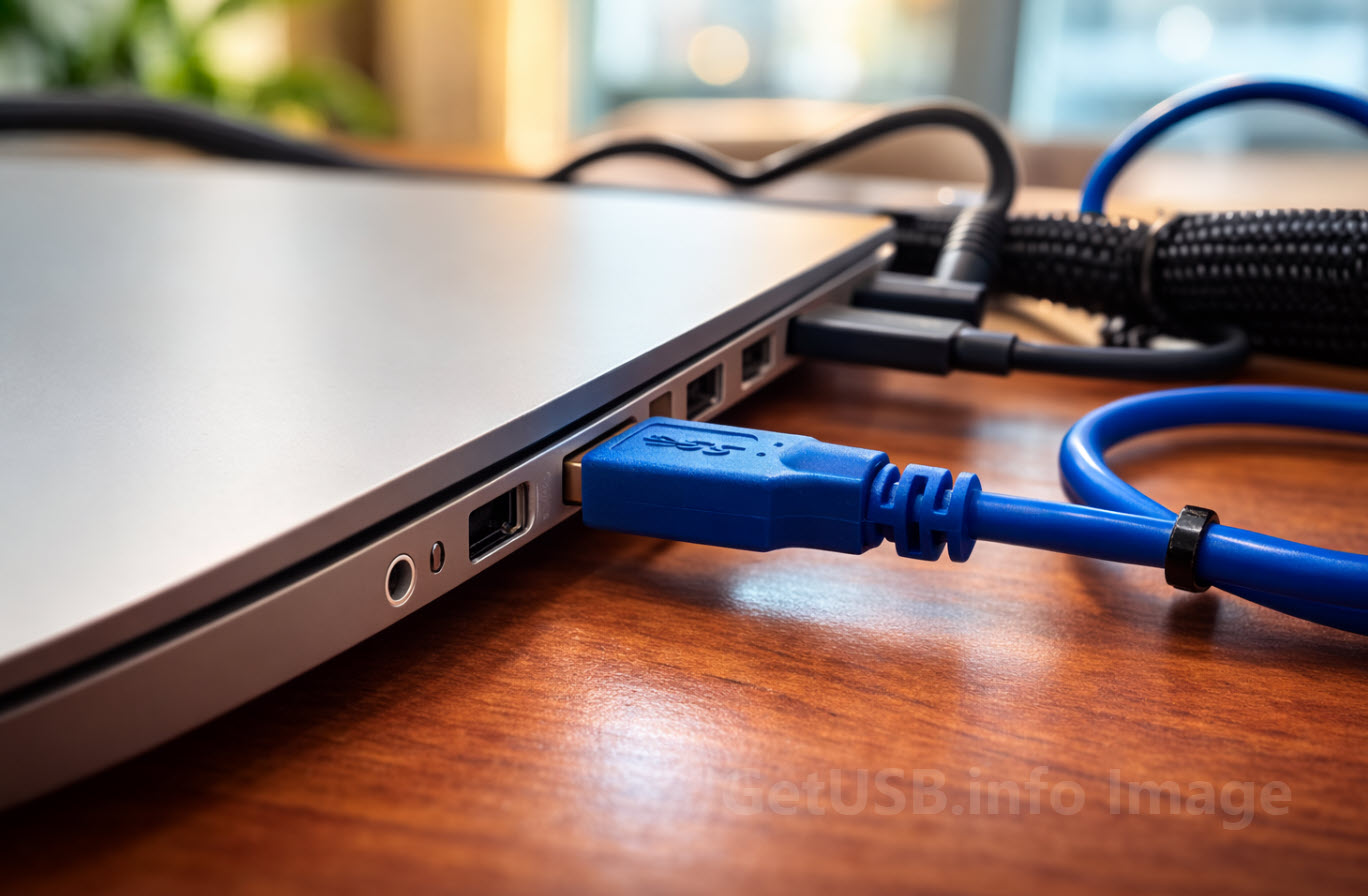
USB hardware looks standardized.
It isn’t uniform.
When GetUSB began, hardware was the story.
New shapes. New enclosures. Strange form factors. USB watches, card-sized drives, novelty builds, early hubs that promised everything through a single port. In the mid-2000s, USB hardware felt inventive and physical. You could see the innovation. You could hold it.
That’s where we started.
But over time, the interesting questions moved inside.
Two drives could look identical and perform very differently. A hub could advertise the same ports as another and behave unpredictably under load. A cable could charge one device flawlessly and throttle another. The outside became standardized. The inside did not.
Hardware isn’t just casing. It’s architecture.
Controller selection. PCB layout. Power regulation. Signal integrity. Thermal management. Firmware behavior. Small engineering decisions that never appear on packaging but define how reliable a device will be six months — or six years — later.
USB evolved. So did we.
Today, this section still covers hardware. But the focus has shifted from “what it is” to “why it behaves the way it does.” Why some devices run hot. Why certain hubs interfere with wireless signals. Why two USB-C cables that look identical can carry very different power levels. Why a well-designed PCB quietly outlasts a rushed one.
Standard connectors don’t guarantee standard results.
This section explores the construction, engineering trade-offs, and internal design choices that shape USB devices in the real world — beyond press releases and beyond spec sheets.
Below you’ll find coverage that began with hardware curiosity and grew into hardware analysis — asking not just what a device claims to do, but why it actually does it.