Once you start looking at how AI systems are actually moving data around, you realize pretty quickly that the problem isn’t just about having faster processors or more storage, it’s about what happens in between those layers and how often the system is forced to wait.
In the previous article on High Bandwidth Memory, the focus was on keeping data as close to the processor as possible so the GPU doesn’t sit idle. That’s the top of the stack, and it’s critical, but it only solves part of the problem because not everything can live there.
As soon as the working set grows beyond what fits in that immediate layer, you’re back to moving data between DRAM and NAND, and that’s where things start to feel uneven. DRAM is fast and responsive, but it’s expensive and you can’t just scale it endlessly. NAND is far more practical for capacity, but even good flash introduces enough delay that it begins to show up when the system is under constant load.
That gap between the two is where Storage Class Memory starts to earn its place. Not as something new trying to replace either side, but as a way to smooth out the handoff so the system isn’t constantly jumping from very fast to noticeably slower and back again.
If you want the broader context for why these layers are showing up in the first place, this ties directly back to the main piece here: NAND isn’t going away, but AI servers now depend on more than flash.
Where the Gap Shows Up
On paper, DRAM and NAND have always worked well together because they were designed for different jobs. One handles active data, the other handles stored data, and the system moves information back and forth as needed. For most traditional workloads, that separation holds up just fine.
AI workloads don’t behave the same way. They tend to reuse large datasets repeatedly, move data in parallel, and keep multiple operations in flight at the same time, which means the system is constantly pulling from storage rather than just dipping into it occasionally.
That’s when the difference in latency starts to matter more than it used to. Not in a dramatic, obvious way, but in small delays that stack up over time. The system doesn’t stop, it just doesn’t stay as efficient as it could be, and that’s where you begin to see processors waiting on data instead of working through it.
What Storage Class Memory does is sit in that path and reduce how often the system has to make the full trip down to NAND, while also keeping costs from spiraling by trying to push everything into DRAM.
Thinking About It in Practical Terms
The easiest way to picture it is to go back to the warehouse analogy, but instead of focusing on the loading dock like we did with HBM, think about what happens just behind it.
You have the dock where active work is happening, boxes being opened, sorted, and moved. That’s your DRAM. Then you have the main warehouse shelves further back, where everything is stored in bulk. That’s your NAND.
If every time you needed something you had to walk all the way back into the warehouse, grab it, and bring it forward, things would keep moving, but not as smoothly as they could. Now imagine having a staging area just behind the dock, where the next set of items likely to be used are already sitting, not everything, just enough to keep the workflow from stalling.
That staging area is what Storage Class Memory represents. It’s not trying to replace the warehouse, and it’s not trying to expand the dock, it’s just making sure the system doesn’t have to keep making the longest trip every time it needs something.
What SCM Actually Changes
From a system perspective, the value of SCM (Storage Class Memory) isn’t that it’s dramatically faster than everything else, it’s that it reduces how often the slowest path is used. That distinction matters, because most performance issues in these environments don’t come from a single slow component, they come from how often the system is forced to rely on it.
By placing a layer in between DRAM and NAND, the system can keep more data closer to where it’s being processed without taking on the full cost and power requirements of expanding DRAM to the same level.
At the same time, it avoids leaning too heavily on NAND for workloads that were never really designed to tolerate that kind of access pattern continuously.
This is also where the line between memory and storage starts to blur a bit. SCM behaves more like memory in how it’s accessed, but it still carries some of the characteristics of storage in terms of density and cost. That hybrid behavior is exactly what makes it useful in AI systems, where the traditional categories don’t map as cleanly as they used to.
Why This Layer Matters Now
None of this is entirely new from a technical standpoint, but it’s becoming more relevant because of how AI workloads are structured. The amount of data being moved, reused, and revisited is simply higher than what most systems were originally designed around.
That increase doesn’t just stress storage capacity, it stresses how efficiently data can be accessed repeatedly, and that’s where having an intermediate layer starts to make a noticeable difference.
It also ties back to the same theme we saw in the first article: the industry isn’t replacing NAND, it’s building around it. Storage Class Memory is part of that shift, taking pressure off both DRAM and NAND without trying to eliminate either one.
From here, the stack continues to evolve in both directions. Above this layer, you have increasingly specialized memory like HBM. Below it, you still have NAND adapting to new roles, including attempts to make flash behave more like memory itself.
The system works not because any one layer is perfect, but because each one is being asked to do a job that fits what it’s actually good at.
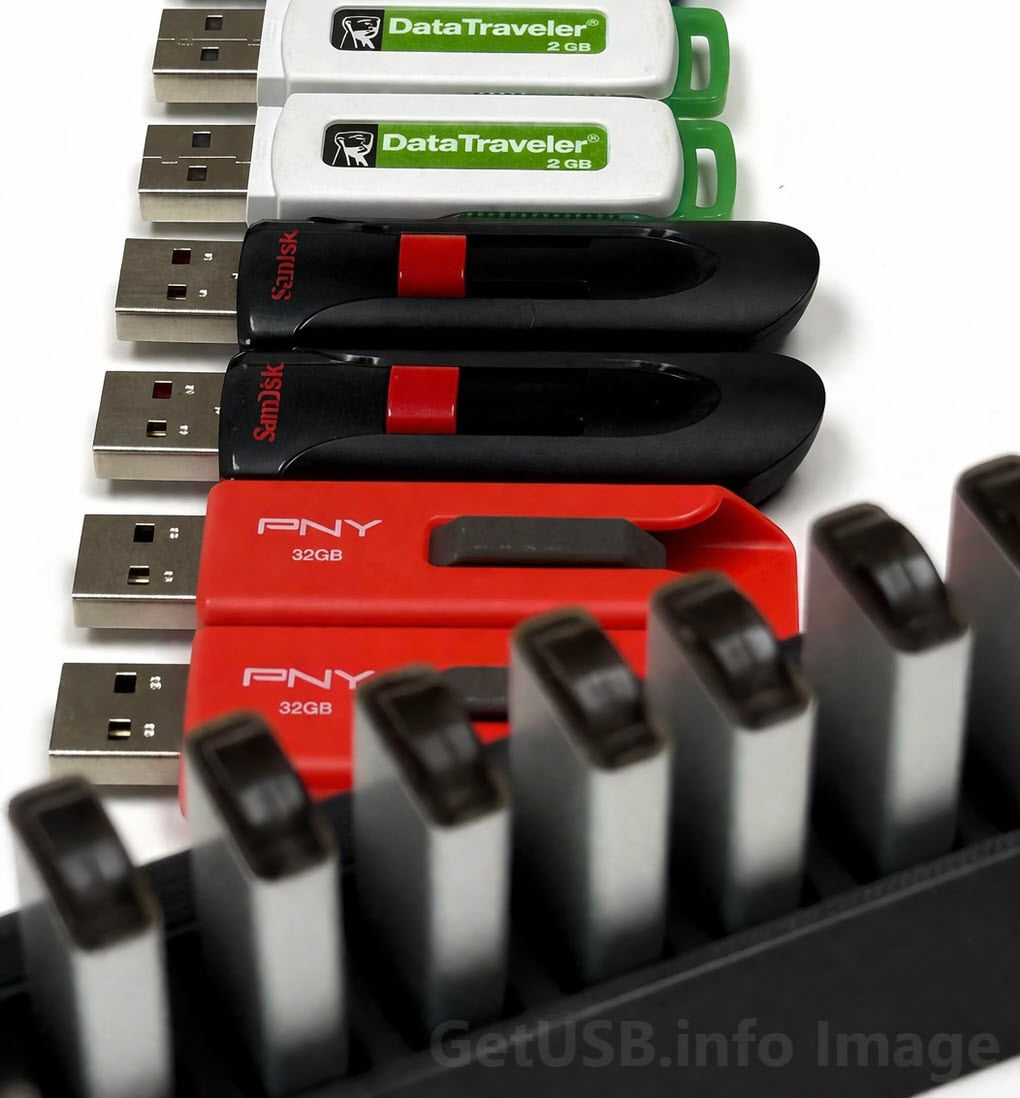
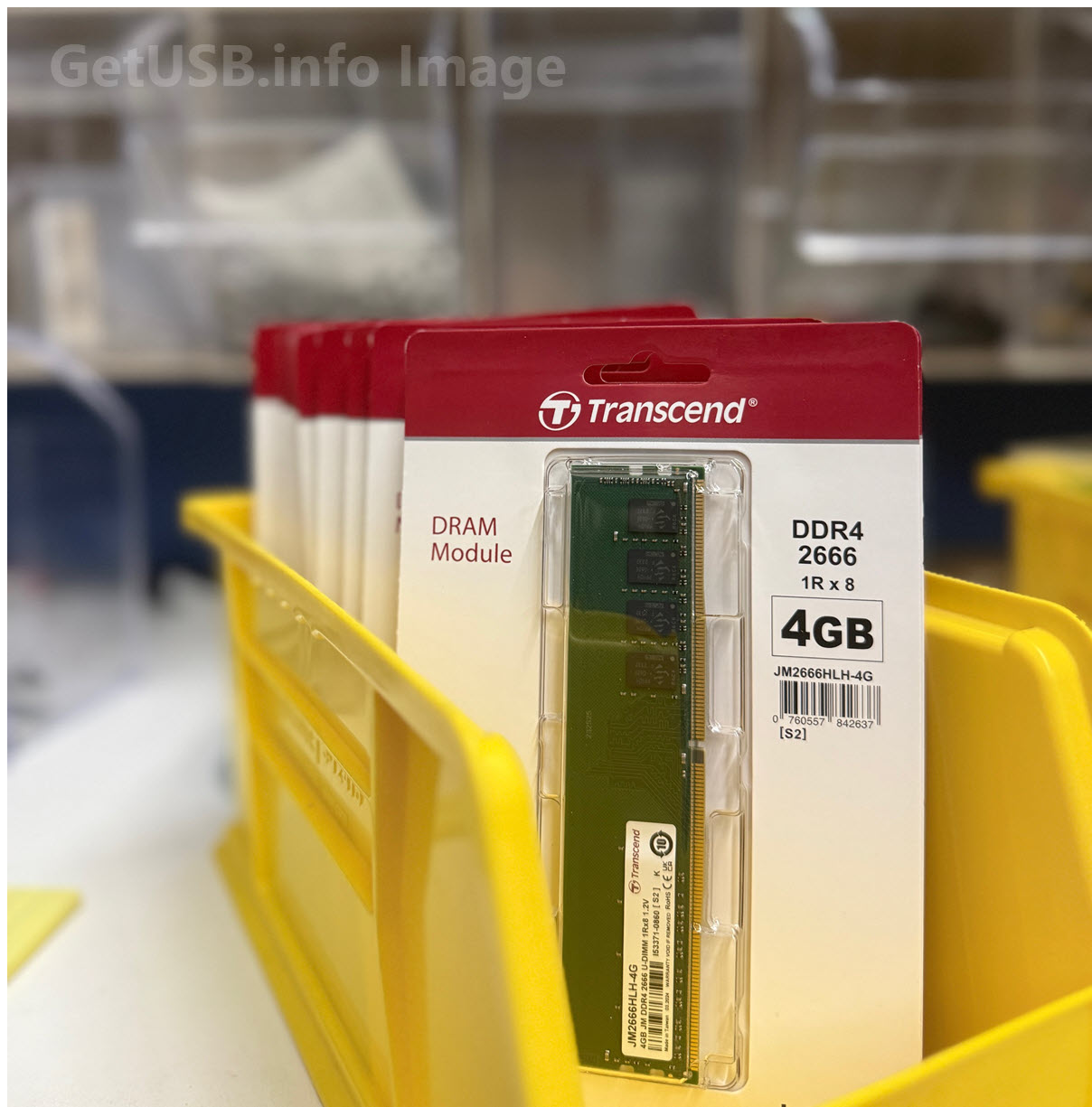
Editorial and image note: The image used with this article is an original on-site photograph created by the author for GetUSB.info.
How this article was created: This content was developed by the author based on the intended technical topic and editorial direction. AI tools were used to help shape rhythm and article structure, with final review and approval by the author.