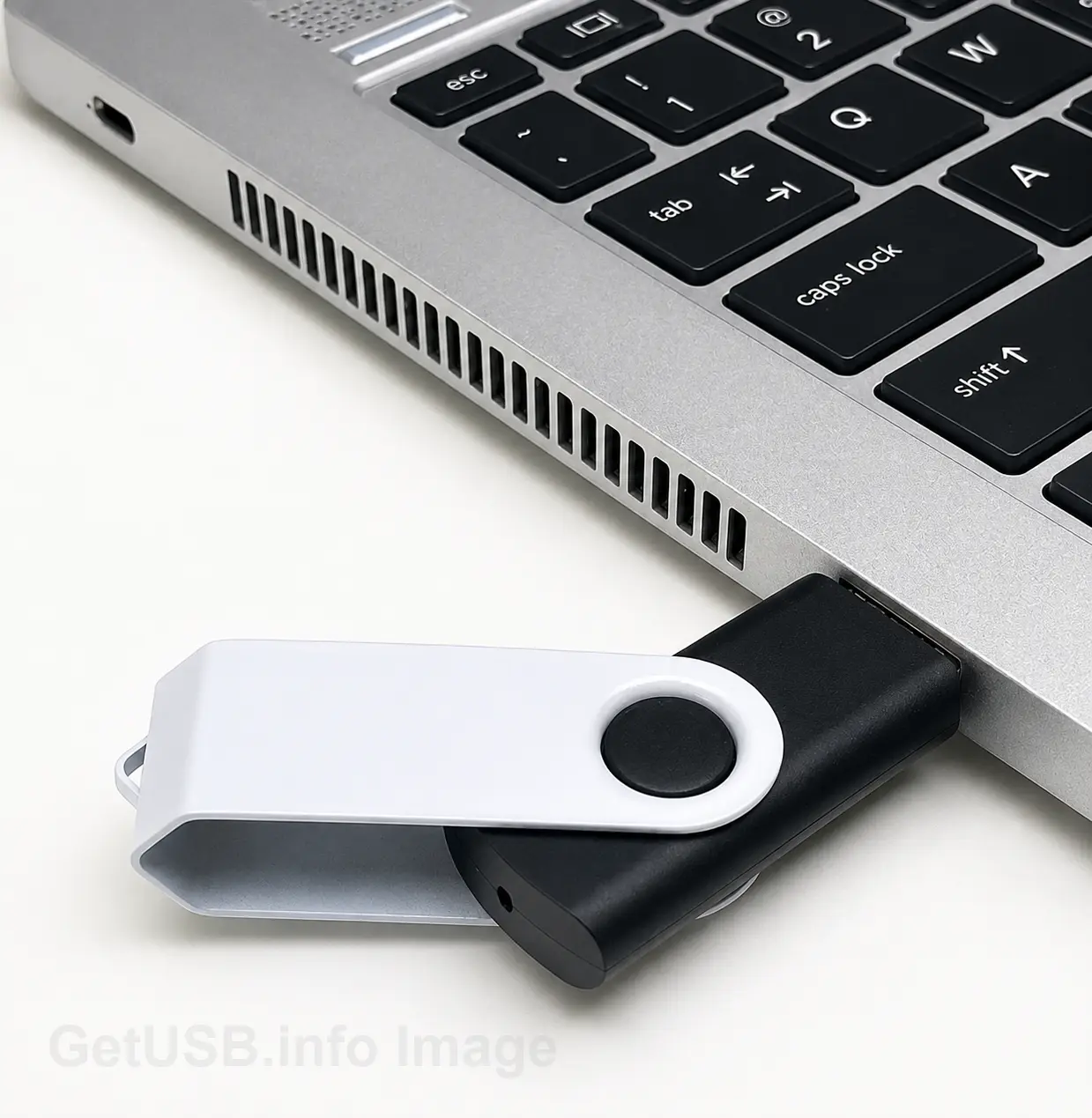
It’s somewhat amusing that we live in a world of artificial intelligence, gigabit internet connections and incredibly sophisticated cloud computing platforms, yet sometimes the fastest way to get a file across the street is to put it in your pocket and walk across the street.
The computer industry calls this Sneakernet. Attorneys might simply call it getting things done.
Consider a small law firm with a dozen attorneys, a handful of paralegals and an ongoing list of cases that require the exchange of information with people outside the organization. It’s a hypothetical firm, but the challenges it faces are very real. Between opposing counsel, expert witnesses, outside consultants and clients, a considerable amount of information needs to move from one place to another.
The problem is that everyone seems to have a different way of doing it.
One firm uses SharePoint, another uses Dropbox and another has an elaborate IT security policy that makes downloading a file from either service an exercise in patience. Throw in some email attachment limitations, network permissions and a couple of expired download links and suddenly a five-minute task consumes half the morning.
Sometimes old school is still the best school.
But what makes this particular approach interesting isn’t the use of a USB flash drive. It’s the type of USB flash drive being used.
A little secret inside the USB drive
When a paralegal prepares a USB flash drive for delivery to outside counsel, the device might contain several weeks’ worth of work related to a pending litigation case. However, when the recipient first plugs the USB drive into a computer, there isn’t much to see. The drive reports about 500MB of available storage and contains little more than a small password application. At first glance, it appears to be a relatively useless piece of hardware.
But that’s by design.
The USB flash drive is actually a 32GB device. The recipient, having received the password separately, opens the application and enters the password. Suddenly, the remaining storage becomes available and the contents of the case are revealed.
There are three hours of video depositions, several hundred pages of discovery documents, photographs entered as evidence, witness statements, copies of medical records and a collection of email correspondence dating back two years. Everything the receiving attorney needs to prepare for the upcoming deposition is organized and ready to review.
Of course, keeping sensitive information private is only one part of the equation for a law firm. We’ve previously written about protecting legal documents on a flash drive without losing control. A USB drive with a secret storage area offers another interesting approach to managing sensitive information without complicating an attorney’s daily workflow.
What’s particularly interesting is that none of those files were visible just moments earlier. Had the USB drive been left in the back of an Uber or dropped in the parking lot of the courthouse, someone picking it up would have little indication of what was actually stored on the device.
It’s a rather clever way of transporting information that needs to be shared but isn’t meant to be seen by just anyone.
Not everything is meant for everyone
There is something particularly appealing about this technology when you consider the type of information a law firm handles on a daily basis.
A single case might involve medical records, personal financial statements, confidential settlement agreements, private correspondence, litigation strategies and hours of recorded depositions. Some of that information belongs to the client, some of it belongs to the attorney and very little of it belongs in the hands of a stranger.
The nice thing about a hidden partition is that someone who plugs the USB drive into a computer doesn’t see a collection of confidential files they cannot open. The larger storage area isn’t presented to the computer in the first place.
There is an important technical distinction here. We aren’t talking about marking a folder as hidden in Microsoft Windows or removing a drive letter from a partition. Those are operating system functions that someone with a little computer knowledge can easily reverse.
This technology works at the USB controller level. The controller inside the flash drive manages which storage area is presented to the host computer based on whether the correct password has been entered.
For an attorney who needs to physically deliver a collection of sensitive documents to another law firm, it’s a rather clever solution. The password can be communicated separately to the intended recipient, and the flash drive can make its way across town.
Microsoft Outlook may take the afternoon off, but the judge probably won’t
One of the more interesting consequences of our migration toward cloud computing is how little consideration we give to what happens when the cloud isn’t available.
We’ve seen Microsoft service interruptions affect Outlook and other online services. Internet providers experience outages. Corporate networks go down for maintenance. Sometimes the problem is simply that two organizations cannot figure out how to exchange a particularly large file.
None of these situations are especially unusual, yet we tend to treat them as though they will never happen to us.
For a law firm with a filing deadline, a scheduled deposition or a meeting with opposing counsel, having an alternative method of exchanging information makes good business sense.
A USB flash drive doesn’t require an internet connection, a cloud subscription or a functioning email server. Provided the information is available locally and the receiving organization permits USB media, getting it from one office to another is a relatively straightforward proposition.
In fact, for something like a collection of high-definition deposition videos, physically delivering the information might be more practical than uploading several gigabytes to a server only to have someone else spend their time downloading it again.
Not every backup plan needs to be technologically sophisticated. Sometimes it just needs to work.
Attorneys have enough things to remember
Probably my favorite feature of this particular USB technology is what happens when you unplug the device.
Nothing.
Well, nothing that requires your attention.
When power is removed from the USB flash drive, the controller automatically returns the device to its default configuration. The next time someone plugs it into a computer, only the smaller partition and password application are available.
There is no security application to close, no logout procedure and no additional step to remember before putting the flash drive back into your briefcase.
I appreciate technology that takes human nature into consideration. People get distracted. Phones ring, meetings run late and we rush out the door to get somewhere else. Designing a security feature around the assumption that someone will always remember to perform a specific task isn’t necessarily the best approach.
The very act of removing the USB flash drive from the computer is what returns it to its protected state.
Simple. And particularly well suited for people who have more important things to think about.
A modern improvement to an old-school solution
The technology described here is called Secure Disk and is developed by Nexcopy Inc. The password application is portable, meaning there is no need to install a separate software package on a compatible computer to access the protected storage area.
It’s worth noting that controller-level password protection and data encryption are different security mechanisms. A law firm should evaluate its own confidentiality requirements and determine whether additional encryption is necessary for the information being transported.
What I find particularly interesting about Secure Disk is that it addresses a very modern problem using a piece of technology that has been around for more than two decades.
We spend a considerable amount of time looking for new ways to move information. Faster internet connections, better cloud platforms, more sophisticated collaboration tools and increasingly elaborate IT infrastructures. All of those things have their place.
But I’d argue that a handful of USB flash drives with secret storage tucked away in a law firm’s supply cabinet would be a worthwhile investment.
Whether they become the primary method of exchanging large collections of documents with outside organizations or simply serve as a contingency plan when the internet isn’t cooperating, there is something to be said for having the option.
Sometimes the best file transfer protocol is still a comfortable pair of shoes.
About the author: Matt LeBoff is the editor of GetUSB.info. The technical information in this article is based on firsthand experience with Nexcopy Secure Disk USB flash drives. The law firm scenario is illustrative and represents a practical application of the technology rather than a documented customer case study.
Let GetUSB.info keep you updated.
Receive article notifications about USB storage, flash memory, and duplication updates in your preferred language. We average a couple of articles per week.