Most people think they know what is going to happen when they plug a USB flash drive into a computer. A drive letter appears, some storage capacity is reported, and you can copy files onto it or pull files off. That’s what a flash drive does.
Except it doesn’t necessarily have to.
USB storage isn’t defined solely by the NAND flash sitting inside the plastic case. Between the USB connector and that NAND memory is a controller, and that controller plays a major role in determining how the device identifies itself and how the host computer interacts with it.
That’s where things get interesting, because a USB flash drive can contain perfectly ordinary NAND flash while presenting itself to the computer as something quite different.
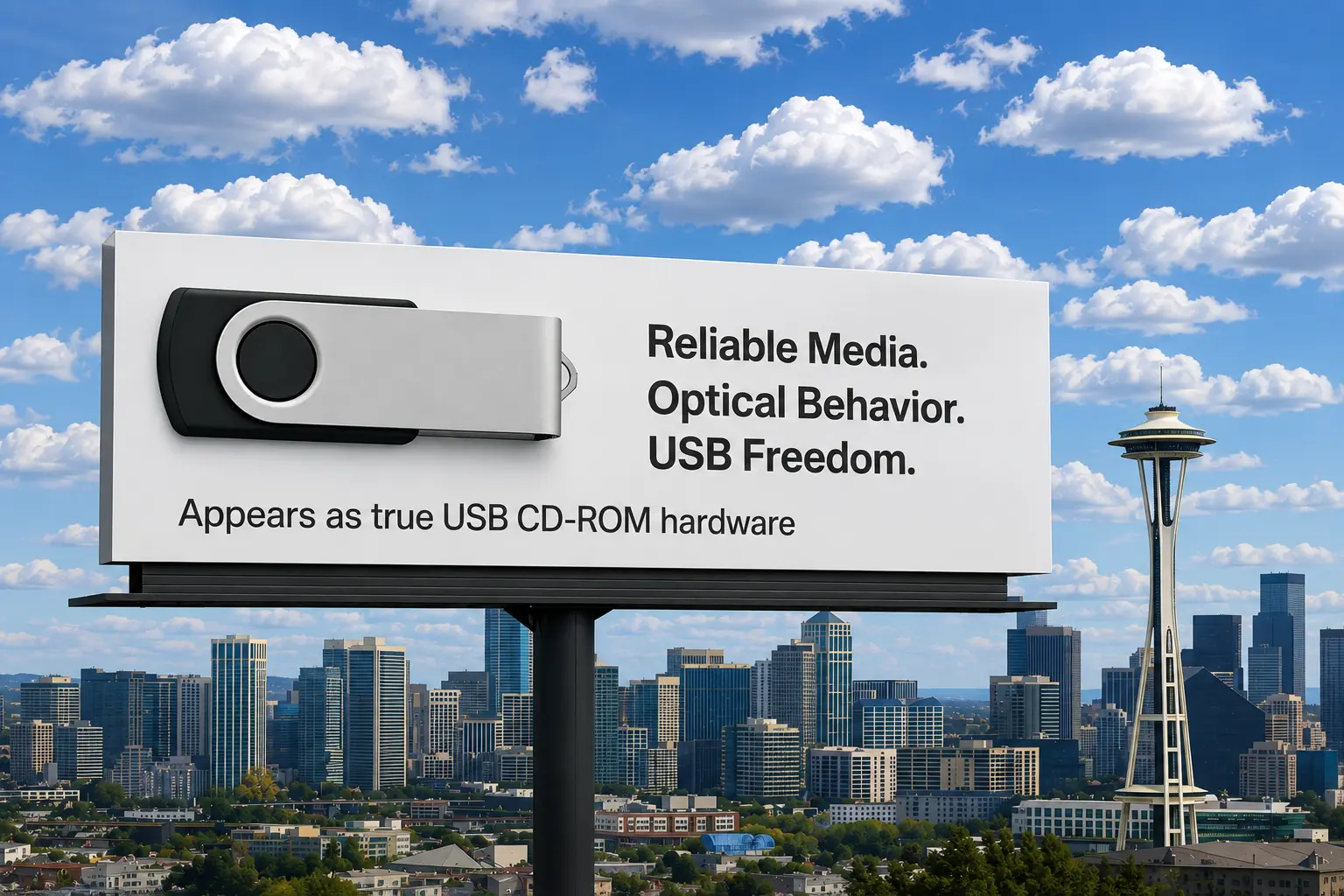
One example is a USB flash drive configured at the hardware controller level to behave like a CD-ROM deviceA USB storage device that emulates an optical CD-ROM drive at the hardware controller level..
And no, the point isn’t simply making the files read-only.
The Computer Doesn’t Really Know What’s Inside the Stick
When you plug a USB device into a computer, the operating system doesn’t somehow look through the plastic enclosure and discover NAND flash. There is a conversation between the USB host and the device, and the device provides information about what it is and how the computer should communicate with it.
Think of it a little like somebody walking up to an airport immigration desk.
The person presents credentials that essentially say:
“I’m this type of device. Here’s how I identify myself. Here’s the type of functionality I provide. Here’s how you communicate with me.”
For a USB flash drive, the controller handles much of that conversation.
With an ordinary flash drive, the controller presents storage in a way the operating system recognizes as disk-like storage. Windows, Linux or macOS then loads the appropriate support and interacts with the device accordingly.
But the NAND flash itself doesn’t inherently have to be presented that way.
A controller designed and configured for CD-ROM emulation can take NAND flash and expose a logical storage device that behaves like optical media. From the host computer’s perspective, it can now be dealing with something that looks much more like a CD-ROM device than an ordinary writable USB flash drive.
The computer doesn’t particularly care that the physical storage underneath is actually NAND flash.
That’s the fascinating part.
The physical storage technology and the storage device presented to the computer don’t necessarily have to be the same thing.
This is also where the distinction between software tricks and true controller-level behavior becomes important. We’ve covered that difference in more detail in our explanation of USB CD-ROM emulation and firmware versus software methods. The short version is that changing how a controller presents storage is fundamentally different from simply changing a file attribute or mounting an ISO file through software.
Think of It Like a Building With a Different Sign on the Door
Imagine one physical building.
Put a sign outside saying BANK, and visitors walk through the door expecting tellers, accounts, deposits and withdrawals.
Change the sign to LIBRARY, and people approach the exact same building with an entirely different set of expectations. They don’t walk up to the counter trying to deposit money. They look for books and expect library rules.
The building hasn’t necessarily changed.
What changed is the identity being presented and the rules associated with that identity.
A USB controller can do something conceptually similar.
The underlying storage may still be NAND flash, but instead of presenting it as ordinary writable disk-like storage, the controller can present a logical device the operating system understands as CD-ROM-style media.
The operating system responds accordingly.
This is an important distinction because creating CD-ROM media on a USB flash drive isn’t the same thing as clicking a file in Windows and selecting “Read-only.”
It also isn’t necessarily the same thing as taking conventional USB storage and preventing writes.
Those approaches are trying to control what someone can do with a storage device.
CD-ROM emulationThe process by which a device mimics the behavior and identity of another device to the host system. goes a step further by changing what type of storage device is being presented to the host.
Why Would Anyone Want to Do This?
At first, configuring a modern USB flash drive to behave like technology from the CD-ROM era sounds backward.
But there are some surprisingly practical reasons for doing it.
Consider an industrial machine built 15 or 20 years ago.
Its service software may have been designed during a period when CD-ROM drives were everywhere. The application might expect updates, calibration files, installation packages, reference material or recovery utilities to arrive on optical media.
Eventually the physical CD drive dies.
Replacement optical drives become difficult to find. Maintaining burned discs becomes inconvenient. Maybe the original computer isn’t worth replacing, but the industrial equipment connected to it certainly is.
Replacing that computer might also create an entirely different problem. Industrial systems aren’t always environments where you can install a new PC, copy over a few programs and call it Tuesday afternoon.
There may be specialized drivers, proprietary hardware, validation requirements, certification issues or software that hasn’t been updated in years because it has been doing its job perfectly well.
The machine might be worth $100,000 while the computer controlling it is running an operating system most people haven’t seen since their kids were in elementary school.
That’s when compatibility becomes more valuable than novelty.
A USB device capable of presenting itself appropriately as optical-style media can potentially provide a bridge between those generations of technology.
Instead of rewriting the old application to understand modern storage, you make modern storage speak the language the old application already understands.
CD-ROM emulation is less about pretending to be a CD and more about speaking CD-ROM to a computer that expects to hear it.
Embedded Systems Can Be Even More Particular
Modern desktop operating systems are remarkably flexible.
Plug an ordinary USB flash drive into a current Windows computer and chances are pretty good Windows will figure out what it is and give you access to the files.
Embedded systems can be a very different animal.
Think about CNC machines, diagnostic equipment, laboratory instruments, manufacturing systems, kiosks, automotive service equipment, point-of-sale systems and specialized measurement equipment.
Many of these machines weren’t designed as general-purpose computers.
Their programmers knew exactly what the machine was supposed to do, exactly what hardware it was supposed to use and, in many cases, exactly how information was supposed to arrive.
There was little reason to write a wonderfully flexible storage routine capable of handling every device somebody might plug into the machine 20 years in the future.
If the original specification said software would arrive on CD-ROM, that’s what the programmer designed around.
The system might therefore make assumptions about device type, media behavior, filesystem structure, logical units or other characteristics of the storage device.
That is where emulation becomes much more than a novelty.
Rather than changing the host system, you change what the USB device tells the host it is.
For old or specialized equipment that is expensive, difficult or impossible to modify, that can be an extremely useful option.
A USB Flash Drive Is More Than a Connector and Some Memory
This also exposes one of the more interesting misconceptions about USB flash drives.
It’s easy to imagine a flash drive as a simple equation:
USB connector + NAND flash = USB flash drive
There is an important piece missing from that equation.
The controller.
The USB controller sits between the host computer and the NAND flash memory. Among its jobs is translating between what the host requests and what actually happens within the flash storage.
The controller also participates in defining how the device identifies itself, how storage is exposed, what characteristics are reported and how the device responds to commands from the host.
That means two USB devices containing similar NAND flash can behave very differently when plugged into the exact same computer.
One might present itself as conventional removable storage.
Another could be configured to present fixed-disk-style behavior.
Another implementation could expose a CD-ROM logical unit.
And some controller architectures can do something even more interesting: expose multiple logical storage devices through one physical USB connection.
One USB Plug Can Lead to Two Different Rooms
Imagine plugging one USB flash drive into a computer.
The computer discovers a CD-ROM-style area containing:
INSTALLER
MANUALS
DRIVERS
RECOVERY TOOLS
But the same physical USB device also provides conventional writable storage containing:
LOG FILES
REPORTS
CONFIGURATION FILES
USER DATA
There is still only one USB connector and one physical device sitting in your hand.
Logically, however, the computer has been presented with two different storage environments designed for two different jobs.
The CD-ROM portion can contain the manufacturer’s original published material, while the writable portion can remain available for information generated in the field.
A technician could carry one device containing the original diagnostic software and service documentation while using another area of that same device to store test results, equipment logs or customer-specific configuration files.
The distinction here is important.
This isn’t simply the same thing as dividing an ordinary USB flash drive into two partitions.
Partitions divide the capacity of a disk-like storage device. Both partitions are still part of the same basic type of storage environment.
A USB controller can instead expose multiple logical units, sometimes called LUNs, which allows one physical device to present distinctly different storage personalities to the host. We have a separate explanation of LUNs versus partitions and why one USB drive can appear as two disks for readers who want to go further down that rabbit hole.
CD-ROM emulation can therefore change the behavior and identity of the logical storage device being presented to the host, rather than merely dividing storage capacity.
It’s the difference between dividing one room with a wall and creating two rooms intended to perform completely different jobs.
There Is Also a Content Distribution Advantage
CD-ROMs had another useful property that most of us stopped thinking about because it was simply how optical media worked.
The publisher controlled the original contents.
Twenty years ago, you bought a piece of software on CD-ROM and installed it on your computer. Installing the software didn’t change the CD.
You couldn’t accidentally drag your vacation photos into the installation directory on the disc. An employee couldn’t casually delete half the installer. Someone couldn’t decide they needed another 300 MB of storage and erase the documentation.
The media was effectively a published object.
USB flash drives improved on optical discs in almost every practical way. They’re smaller, faster, easier to transport and have vastly greater storage capacity.
But ordinary writable USB storage also blurred the distinction between the person publishing the content and the person consuming it.
For documentation, software distribution, service tools, training material, recovery utilities and other controlled content, sometimes that distinction is useful.
A CD-ROM-style logical area can provide a place for content intended to remain in its original distributed state, while other storage on the device can be used for information that legitimately needs to change.
This Isn’t the Same Thing as Security
There is one important boundary to keep clear.
CD-ROM emulation shouldn’t automatically be described as a complete security system.
Making storage behave like optical media doesn’t replace cryptographic signaturesDigital codes that verify the authenticity and integrity of data using cryptographic algorithms., secure boot mechanisms, encryption, authentication or other technologies designed to establish whether software or data can be trusted.
Those solve different problems.
The value of CD-ROM emulation is primarily in device behavior, compatibility, controlled distribution and preservation of published content.
In some applications, preventing normal modification is extremely useful. But “difficult for the user to modify” and “cryptographically proven to be authentic” aren’t the same thing.
Understanding that difference is important, especially when these devices are used in industrial or specialized environments.
Sometimes You Don’t Want a Flash Drive to Behave Like a Flash Drive
The disappearance of physical CD-ROM drives doesn’t necessarily mean every useful characteristic of optical storage disappeared with them.
Sometimes an older computer expects optical media.
Sometimes specialized software was designed around it.
Sometimes an embedded system is far easier to accommodate than modify.
Sometimes a manufacturer wants original documentation or software separated from storage the user is expected to change.
And sometimes the most practical solution isn’t convincing an old system to understand something new.
It’s making something new behave like what the old system already understands.
That’s one of the interesting things about USB technology that gets hidden behind the simplicity of plugging in a flash drive.
What you hold in your hand may contain NAND flash memory, but NAND alone doesn’t determine what the computer sees.
The controller has a say in that conversation.
And with the right controller and configuration, a USB flash drive doesn’t necessarily have to behave like a flash drive.
Let GetUSB.info keep you updated.
Receive article notifications about USB storage, flash memory, and duplication updates in your preferred language. We average a couple of articles per week.