Every year, without fail, the same articles start circulating again.
“Best USB Flash Drives of 2026.” “Top 10 Fastest USB Drives You Can Buy.” “Which USB Stick Should You Buy Right Now?”
They all follow the same formula. A handful of brand-name drives, a few benchmark charts, maybe a nod to build quality, and a final ranking that feels authoritative enough to earn a click and a commission.
At first glance, it all seems useful. After all, storage speed used to be a meaningful dividing line. Capacity used to separate one product from another. Brand reliability used to be easier to judge from the outside.
But here’s the problem: those lists are trying to solve a problem that has mostly faded into the background.
If you step back and look at where USB technology sits today, especially among reputable manufacturers, one thing becomes obvious. Performance has largely flattened out in practical use. The difference between a “fast” USB drive and a “very fast” USB drive is often difficult to notice outside of controlled testing.
And yet that is still what gets measured. Still what gets compared. Still what gets ranked.
Speed is no longer the main event. Features are.
That may sound like a bold statement if you have been trained to stare at megabytes per second as if they tell the whole story. They do not. Keep reading and we’ll spell it all out for you, because the bigger story today is not how fast a drive copies files, but how intelligently the device is configured to behave once it is plugged into a system.
The Illusion of Speed as a Differentiator
There was a time when USB speed differences were dramatic. Early USB 2.0 drives could vary wildly. Some were painfully slow. Others were surprisingly capable. In those years, buying the wrong product could absolutely waste your time and test your patience.
That era is behind us.
Modern USB 3.x drives from established manufacturers tend to operate within a much tighter band of performance. Yes, you still see numbers like 300MB/s, 400MB/s, and higher in marketing copy, but those figures are usually pulled from ideal test conditions, large sequential file transfers, and host systems set up to flatter the hardware.
Real-world use is rarely that neat. People copy folders full of mixed file types. They move installation packages, PDFs, spreadsheets, videos, firmware packages, and random project files. The computer itself introduces limits. The USB host controller introduces limits. The operating system introduces limits. Background activity introduces limits.
By the time all of those variables show up, the performance gap between one quality USB drive and another starts shrinking fast. What looks dramatic on a chart often turns into a small difference in daily use, maybe a few seconds here or there, maybe a slightly shorter wait on a larger transfer.
That is not nothing, but it is hardly the life-changing distinction those “best of” articles want you to believe.
The industry is still arguing over the last bit of transfer speed while ignoring the features that actually define how a device can be used.
What Those Lists Don’t Measure
This is where the whole conversation starts to drift off course.
Review sites spend their time lining up transfer rates, but the more revealing question is usually much simpler: what exactly does the device do the moment you plug it in? Not how fast it writes a file under perfect lab conditions, but how it presents itself to the computer, how the operating system treats it, and what kind of control the device itself can enforce.
That side of the story almost never shows up in mainstream consumer reviews, and part of the reason is straightforward. Most of the drives being reviewed do not offer much beyond ordinary storage behavior to begin with. They are commodity products built to hold files, move data, and check the usual boxes of capacity, color, and speed.
Modern USB controllers, however, are capable of doing far more than simply acting like a plain storage bucket.
A USB device can be configured to present itself to a computer in different ways. It can appear as removable storage, or it can appear as a Fixed Disk USB device. It can include multiple partitions, some visible and some hidden. It can enforce write-protected USB behavior directly at the controller level, making it impossible to alter the content stored on the drive. It can also emulate a CD-ROM USB flash drive, which changes the way files are delivered and preserved on the device.
These are not software tricks layered on top after the fact. They are hardware-defined behaviors set by the controller itself. Once configured, they shape how the device interacts with the host system every single time it is inserted.
And yet none of this shows up in a “best USB drive” roundup.
Part of that is because it does not fit neatly into a benchmark chart. Part of it is because the average blog author can earn easier money by linking to whatever commodity drive is sitting on Amazon with a decent review count and a healthy affiliate payout. A speed test is quick to publish, easy to rank, and easy to monetize. A deeper explanation about controller behavior, hardware-enforced write protection, fixed disk configuration, or CD-ROM emulation takes more knowledge and usually points toward products that do not fit the usual affiliate template.
So the easier path wins. The article gets written. The chart gets posted. The affiliate links go live. And readers walk away thinking they learned how to choose the “best” flash drive, when in reality they were only shown the easiest products to compare and the easiest products to sell.
The Shift From Storage to Behavior
If you really want to understand where USB technology stands today, it helps to stop thinking about a flash drive as just a storage product.
A more accurate way to look at it is this: a USB device is a behavior-defined piece of hardware.
When you plug a USB drive into a computer, the operating system does not deeply interrogate the device and challenge its identity. The controller inside the USB device reports what the device is, how it should be mounted, and what sort of access is allowed. The system largely accepts that report and responds accordingly.
That means the USB device is not simply holding data in passive silence. It is shaping the rules of engagement. It influences how the host system sees the device, how software interacts with it, and whether data can be written, changed, hidden, or protected.
A modern USB device is not just storage. It is a configured hardware policy.
This is where the real difference between products starts to show up.
A standard consumer flash drive gives full read and write access. That sounds convenient, and sometimes it is. But it also means the content can be altered, deleted, infected, replaced, or quietly compromised. There is no meaningful hardware barrier in place.
Compare that with a controller-configured write-protected device. In that case, the behavior is enforced by the hardware itself. The files cannot be changed. The content cannot be overwritten. The device behaves the same way every time. For software distribution, compliance workflows, legal file delivery, training content, field updates, or any situation where integrity is the top priority, that is a radically different class of tool.
Or take fixed disk configuration. That single change affects how software sees the device and whether certain applications will even run from it. There are still programs and security environments that reject removable media but work normally with fixed disk presentation. So in that situation, the real question is not whether the flash drive is a little faster. The real question is whether the drive can even do the job.
CD-ROM emulation opens another door entirely. Instead of giving the user an ordinary writable storage device, the controller can present content in a locked-down, optical-style format that resists editing and deletion. That becomes useful for secure content delivery, training materials, installation media, licensing tools, and other workflows where preserving the original payload is the whole point.
None of those capabilities show up in the average speed ranking, but each one can completely change whether a USB device is suitable for the task in front of you.
Why the Industry Got Stuck
It is worth asking how the conversation got stranded here. Why does so much of the USB world still talk as if the only important variables are speed, capacity, and maybe the casing material?
One reason is simple convenience. Commodity drives are easy to buy, easy to compare, and easy to write about. A reviewer can order five products from a marketplace, run a benchmark, create a table, and publish a neat little verdict by the end of the day.
Explaining controller-level behavior is not so simple. It requires a different kind of knowledge, a more technical discussion, and a willingness to move beyond the affiliate-driven formula that has dominated hardware blogging for years.
Another reason is that the more advanced USB products are not generally designed for impulse retail. They are built for specific use cases where control, predictability, and data integrity carry more weight than shaving a few seconds off a file transfer.
So the public conversation stayed where the easiest money was. Review what is easy to buy. Benchmark what is easy to chart. Link to what is easy to commission.
That does not make those articles fraudulent. It just makes them incomplete, and in many cases badly out of step with how USB devices are actually being used in professional environments today.
Where This Shows Up in the Real World
Once you look at USB devices through the lens of behavior instead of raw speed, the practical consequences become obvious.
If you are distributing software and need the payload preserved exactly as intended, raw transfer speed is not the leading concern. You care about whether the media can lock the files down against tampering. If you are working in a healthcare, finance, government, or enterprise environment, you are not selecting media because one benchmark result looked slightly better than another. You are selecting based on whether the device can provide consistent behavior, integrity, and a clear operational purpose.
If your application requires the host machine to see the device as fixed storage, an ordinary removable flash drive may be useless regardless of its speed rating. If your goal is to distribute training, installers, product demos, or licensed tools in a format users cannot casually alter, then CD-ROM emulation becomes more valuable than another burst-speed headline.
Even the discussion around NAND quality starts to connect back to this larger point. The type of flash memory still has a role, especially when endurance and long-term reliability enter the conversation, which is why articles like So What Is SLC Flash Memory Anyway still deserve attention. But even there, the bigger picture is not only what the memory can do on paper. It is how the total device is built, configured, and expected to behave in the field.
Redefining What “Best” Really Looks Like
At some point, the original question starts to collapse under its own assumptions.
What is the “best” USB flash drive?
If the answer begins and ends with speed, then you are comparing products that already live inside a narrow and generally sufficient performance window. You are making a purchasing decision based on marginal differences that often disappear outside of controlled tests.
But if the answer begins with behavior, then the definition changes immediately.
The best USB device is the one that does exactly what your environment requires, every time, without compromise. Sometimes that includes speed. More often it includes control. Control over whether files can be changed. Control over whether software can run. Control over how the operating system identifies the device. Control over whether the payload remains intact from the first connection to the thousandth.
The better question is no longer “How fast is this flash drive?” but “What can this device enforce, prevent, or guarantee?”
Final Thought
The USB industry did not stop evolving. It simply evolved in a direction that most “best flash drive” articles never followed.
While those lists continue to rank products by transfer rate, the more meaningful innovation has been happening quietly at the controller level. USB devices have become more configurable, more specialized, and far more capable of enforcing behavior directly in hardware.
Once you understand that shift, the old rankings lose a lot of their authority. A benchmark chart can still tell you something, but it no longer tells you enough.
Because today, the real separation between one USB device and another is not just how fast it moves a file. It is how intelligently it is built to behave.
Editorial Note and Source Transparency
This article was written as an educational editorial and not as an affiliate roundup. There are no Amazon links, no commission links, no paid product placements, and no sponsorship-based rankings inside this article. That distinction is important because much of the “best USB flash drive” content published online is built around affiliate revenue first and technical education second.
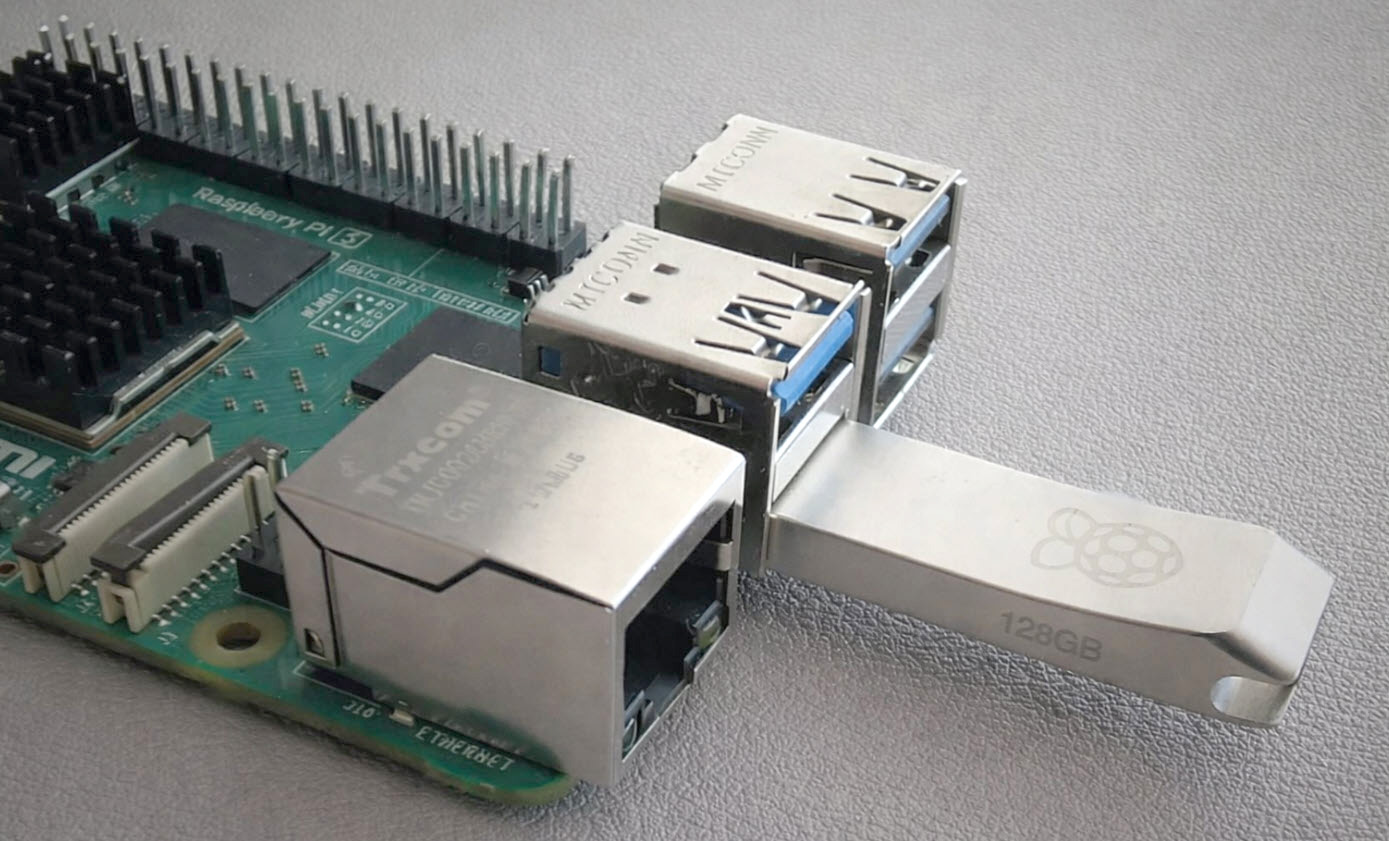
The lead image used with this article is an original photo from the GetUSB author and reflects real hardware experience, not a stock image assembled to imitate product familiarity. The discussion in this article is based on direct industry knowledge of USB controller behavior, controlled flash media, write-protection methods, fixed disk configuration, and CD-ROM emulation workflows used in professional deployment environments.
This article was created with human subject-matter review, editorial refinement, and technical oversight to ensure the explanations reflect real-world USB behavior rather than recycled benchmark commentary. The goal is to give readers a more accurate framework for evaluating USB devices in modern use, especially where behavior control, data integrity, and predictable device presentation are more valuable than a small difference in transfer speed.
Let GetUSB.info keep you updated.
Receive article notifications about USB storage, flash memory, and duplication updates in your preferred language. We average a couple of articles per week.