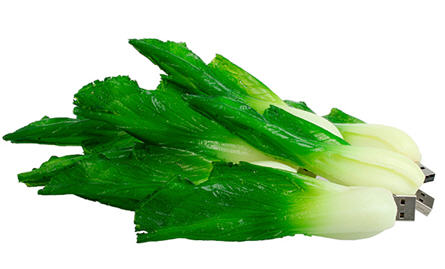
This isn’t the first time we’ve reported on the World’s largest USB flash drive as that bar continues to rise.
Yesterday [Sep 23, 2008] Transcend announced their newest V20 drive is available at 64GBs. That’s as big as my laptop from 10 years ago. Now it’s the size of my thumb. I put the date in here to so we can reflect back in another 5 years and laugh.
The V20 Transcend includes their value add JetFlash elite data management suite which includes:Â Software that turns the V20 into a key to automatically log on to website accounts, or even temporarily lock the computer to prevent unauthorized access. Users can also browse their favorite bookmarked websites and check their email from any compatible computer with the included internet favorites and mobile email functions.
Even though Readyboost never really caught on, the drive has been thoroughly tested for it’s official support.
Let GetUSB.info keep you updated.
Receive article notifications about USB storage, flash memory, and duplication updates in your preferred language. We average a couple of articles per week.