A practical, printable checklist to help you decide whether running your own password manager makes sense for your habits—not your optimism.
Password managers have moved from “nice to have” to “you really should be using one.” Most of us carry dozens (or hundreds) of logins across work, banking, shopping, utilities, and personal accounts. The problem isn’t that people don’t care about security. The problem is that humans are terrible at managing unique, strong passwords at scale. We reuse passwords. We choose passwords that feel memorable. We fall for a convincing phishing page once in a while. A password manager is one of the few tools that actually bends the odds in your favor: it generates strong passwords, stores them safely, and fills them reliably so you don’t have to rely on memory.
The current frustration is that many password managers keep their most useful features behind a paywall. Even good, respected options do it. Bitwarden is often held up as the king of open-source password managers, and it deserves the praise: the core product is excellent and the company pricing is fair. But “fair” isn’t the same as “free.” A common example is integrated authenticator features (Time-based One-Time Passwords, or TOTP) being part of a paid tier. That leads to a very tempting idea: if the software is open-source, can you run the whole thing yourself and get the best of both worlds?
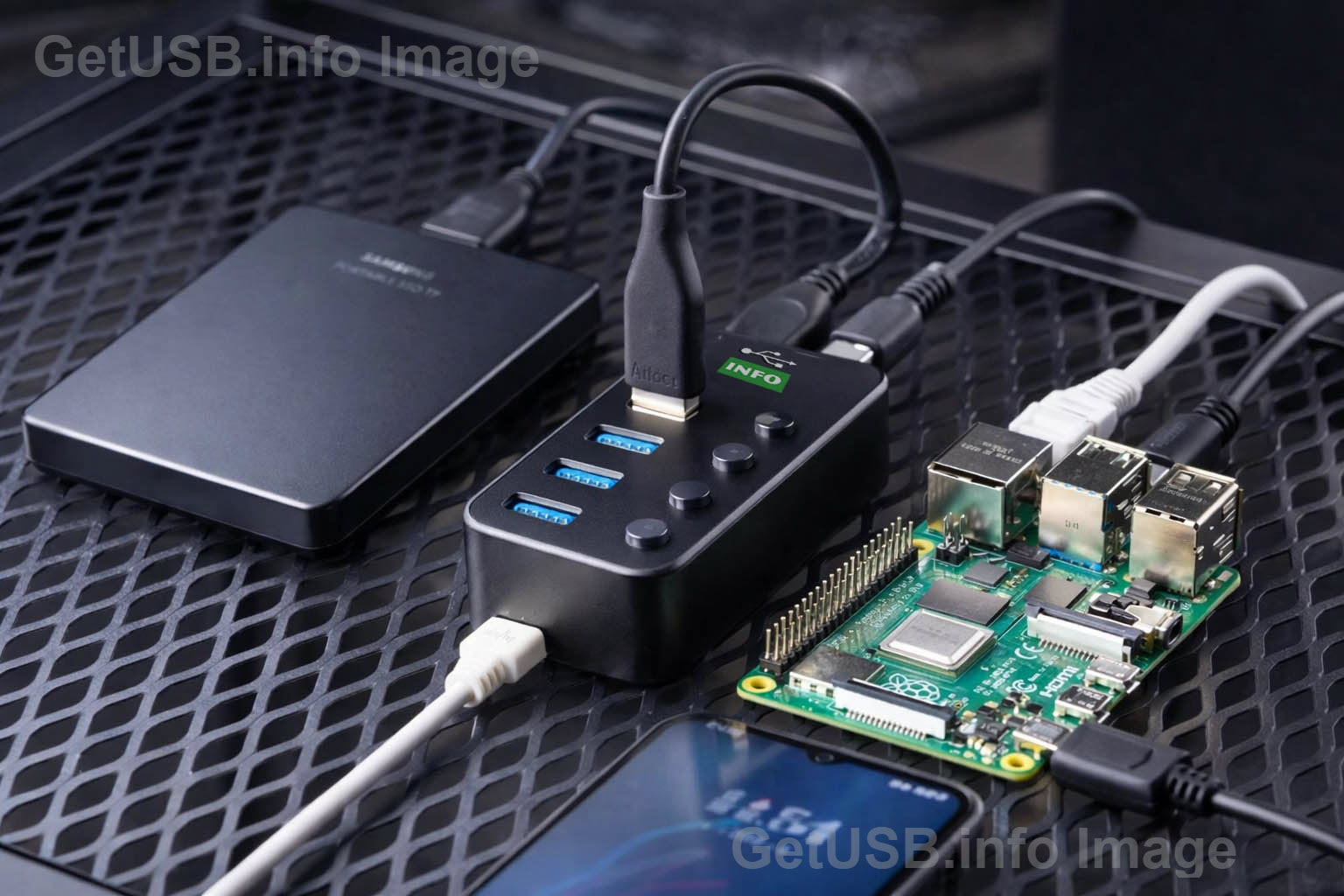
That’s where the self-hosting trend comes in. The promise is simple: instead of syncing your encrypted password vault to a company’s infrastructure, you run your own private server and your devices sync to that. You keep the familiar apps and browser extensions, but the “cloud” is your hardware. Some people do this on a small always-on computer like a Raspberry Pi, often using Docker to run the password server cleanly and repeatably. The appeal is real: fewer third-party dependencies, more control, and sometimes fewer ongoing fees.
The part that gets glossed over is what you are actually trading. Hosted password managers don’t charge you only for a feature checkbox. They charge you for operations: uptime, updates, backups, monitoring, redundancy, and a safety net when things break. Self-hosting is not primarily a money-saving hack. It’s a decision to become your own tiny IT department for one of the most important systems in your life. That can be a great fit for the right person and a quiet disaster for everyone else.
If you’ve been around GetUSB long enough, you already know the bigger theme here: control and custody. We’ve written about security hardware, authentication ideas, and the “lock down” mindset for years. For example, our older posts touch on security and control concepts in different forms—like locking strategies (Crack Down on Your Lock Down) and authentication tokens (Network Multi-User Security via USB Token). A password manager is different technology, but the same question keeps showing up: do you want to outsource critical trust to a provider, or keep it under your roof?
What “Self-Hosting” a Password Manager Actually Means
A modern password manager is really two things: the client apps (browser extension, mobile app, desktop app) and the backend service that stores and syncs your encrypted vault. In a hosted model, the provider runs the backend for you. In a self-hosted model, you run it. Your client apps still do the heavy lifting: they encrypt the vault locally and decrypt it locally. The server mainly stores encrypted blobs and coordinates syncing across devices.
People often describe Docker as a “virtual machine,” and while that’s not technically perfect, it’s close enough for the practical point: Docker lets you run an application in a self-contained environment so it’s easier to install, update, and move. In the self-hosting tutorials you’ve seen, Docker is the reason this can be a 12-minute project instead of a weekend project. You run a few commands, the containers start, and you have a password manager server.
Once it’s running, you configure your Bitwarden browser extension and phone app to sync against your server instead of Bitwarden’s hosted servers. Day-to-day, it can feel identical to the hosted experience: you add a login on your laptop and your phone sees it. You search and autofill like normal. The difference is that the sync endpoint is now your device, and reliability and security are now your responsibility.
Paying for Hosted Service: What You’re Really Buying
It’s worth saying out loud: paying for a hosted password manager is not “less technical.” It’s outsourcing a high-risk system to people whose job is to keep it safe. A low-cost plan can look like “charging for features,” but it also includes a lot of invisible work. Hosted services handle uptime across real infrastructure, redundancy, patching schedules, and incident response. If something breaks at 2 AM, you aren’t diagnosing a home network; you’re sleeping.
There’s also a reliability dimension that people underestimate. When your password manager is down, you don’t just lose convenience. You can lose access to the tools you need to fix the outage. You might need credentials to log into your router, your hosting control panel, your cloud dashboard, your email, your domain registrar—exactly the accounts you can’t access if your vault is unreachable. That dependency chain is unforgiving.
On the GetUSB side, we see the same lesson in physical storage: when a device fails, it fails at the worst time, and recovery usually costs more than prevention. That theme shows up in reliability discussions and failure trends too, like our more recent note on how failures can spike (USB Flash Key Failures Increase 300%). Different topic, same lesson: you don’t want your “most important data” riding on a setup that you aren’t prepared to maintain.
Self-Hosting: What You Gain (and What You Take On)
The biggest advantage of self-hosting is control. Your vault syncs to your infrastructure. You remove dependence on a third party’s uptime and business decisions. You can also create an environment that matches your personal risk tolerance. For some people, the psychological comfort of “it’s in my house” is meaningful. For others, it’s about minimizing the number of organizations involved in sensitive systems.
But self-hosting comes with costs that aren’t captured by a simple “free vs paid” framing. It introduces responsibility in three categories: backups, updates, and exposure. If you handle those well, self-hosting can be solid. If you handle those casually, self-hosting can become the weakest link in your security.
The first category is backups, and it’s the one that bites people hardest. Many assume “syncing” is the same as “backup.” It isn’t. Syncing means the current state exists in multiple places. Backup means you can restore from yesterday, last week, or last month even if something got corrupted or deleted. Hosted services typically have mature backup and disaster recovery practices. With self-hosting, you become the disaster recovery plan. If the Raspberry Pi’s storage dies, or the database corrupts, your vault can become unrecoverable unless you planned for that ahead of time.
The second category is updates. A password manager server is a high-value target. Attackers don’t need to “crack your vault” to make your life miserable. They can exploit server vulnerabilities, try credential stuffing, or look for weakly protected admin endpoints. If you leave a public-facing password server unpatched for long stretches, you are increasing the risk that you’re running known vulnerabilities. The dangerous pattern is not that updates are hard; it’s that home projects often slip into “I’ll do it later” until later becomes a year.
The third category is exposure. Many self-hosting guides involve opening ports, configuring a reverse proxy, and setting up certificates. That’s not because the authors are being fancy. It’s because you should never sync sensitive credentials over an unencrypted connection, and you should never train yourself to ignore browser warnings. Certificates and HTTPS aren’t optional polish; they are the minimum bar for a system that authenticates your entire digital life. If you expose the server poorly, you create attack surfaces that a hosted provider usually reduces through hardened infrastructure and controls.
There’s a related threat angle that’s worth remembering: not every risk looks like a dramatic “hack.” Sometimes the risk is simply a compromised local device capturing credentials, like keystroke logging and similar surveillance. Years ago we covered a “silent keystroke recorder” idea (The Silent Keystroke Recorder). The reason to mention it here isn’t to scare anyone; it’s to underline the theme: security is rarely one silver bullet. A password manager helps a lot, but your overall security still depends on patching, device hygiene, and sane operational habits.
Two-Factor, Tokens, and the “Authenticator Feature” Debate
A lot of the self-hosting motivation comes from authenticator features. People want their password manager to also generate TOTP codes so everything is in one place. Some password managers charge for that. The pure “open-source should be free” argument sounds reasonable on the surface, but it ignores the operational reality: building and maintaining a secure ecosystem costs money. Even open-source projects often fund development and infrastructure through paid tiers. It’s not automatically greedy; it’s how many sustainable projects survive.
Also, integrated authentication is not the only way to do two-factor. The stronger point is that you should be using two-factor where it matters, and you should store recovery codes somewhere safe. Some users prefer separate authenticator apps or physical tokens. Others prefer an integrated experience. Years ago we wrote about dual-factor ideas in a physical form factor, like Rock Solid Dual Factor Authentication UFD from SanDisk. The technologies evolve, but the principle stays the same: you’re adding a second barrier so a stolen password alone doesn’t end your day.
The self-hosting twist is that you might be trying to consolidate everything: vault + authenticator + syncing, all under your control. That can be fine, but it increases the importance of not losing the vault. If your password manager contains both passwords and the generator for one-time codes, then your backup strategy becomes even more critical. Otherwise, you can end up in the nightmare scenario where you lose both factors at once.
The Checklist: Decide Like a Grown-Up (Not Like a Hobbyist)
The checklist below is blunt by design. It’s meant to force clarity. The “critical” items are deal-breakers because they map to the real failure modes: downtime tolerance, backup discipline, and update discipline. If you answer “No” to any critical item, hosted is the safer choice. Not because you can’t self-host, but because you’re choosing a high-responsibility system when you don’t want the responsibility.
Print this checklist. Check the boxes honestly. If you want to self-host, treat the checklist like a gate, not a suggestion.
| Category | Checklist Item | Yes | No | Notes (for printing) |
|---|---|---|---|---|
| Critical | If my password server goes down for 24 hours, am I okay with that? | ▢ | ▢ | ________________________________________ |
| Critical | Do I already back up important data regularly (not “I should,” but actually do)? | ▢ | ▢ | ________________________________________ |
| Critical | Am I comfortable applying updates at least 2–3 times per year (OS + Docker + app)? | ▢ | ▢ | ________________________________________ |
| Signals | Do I already run something 24/7 at home (NAS, Pi-hole, Home Assistant, Plex, etc.)? | ▢ | ▢ | ________________________________________ |
| Signals | Could I recover quickly if my server storage dies tomorrow (restore from backup, not guess)? | ▢ | ▢ | ________________________________________ |
| Support | Am I okay being my own IT support (no helpdesk, no quick “contact support” fix)? | ▢ | ▢ | ________________________________________ |
| Motivation | Is my real reason control/privacy/learning? (If it’s only “saving money,” this is a weak reason.) | ▢ | ▢ | ________________________________________ |
| Longevity | Do I still enjoy “infrastructure projects” after the novelty wears off (six months later)? | ▢ | ▢ | ________________________________________ |
| Multi-user | Will other people depend on this server (family, partner, team)? Am I okay owning downtime and blame? | ▢ | ▢ | ________________________________________ |
If you want a simple scoring rule: any “No” in the critical section should push you toward hosted. You can still self-host if you want to learn, but treat it as a lab project until your backup and update discipline becomes real. If you answered “Yes” to the critical items and you also see yourself in the “signals” section, self-hosting may actually fit your habits. In that case, your next step should be designing the boring parts—backup automation, update cadence, and secure remote access—because those are the parts that decide whether self-hosting stays safe over time.
Who This Makes Sense For (and Who It Doesn’t)
Self-hosting is a good fit for people who already run home services and accept maintenance as normal. If you already keep a NAS alive, or you already manage a couple of containers, you’re not walking into something foreign. You understand that uptime comes from habits, not hope. In that case, self-hosting can be a satisfying way to keep your critical data under your own roof.
Self-hosting is usually a poor fit for people who want passwords to behave like electricity: always there, always working, and not something you think about. There’s nothing wrong with that preference. Most IT decisions in business are exactly that: outsource commodity infrastructure so you can focus on what matters. Password management is a textbook example of something most people should not be reinventing at home unless they enjoy the work.
Family and multi-user environments are where self-hosting most often becomes unpleasant. The moment other people depend on your server, you become the support desk. If a partner can’t log into email because the server is down, the hobby stops being fun. For small teams, the same logic applies: if an outage blocks access to services, it’s no longer a “neat project,” it’s a productivity and risk event. Unless you already run real IT processes (backups, monitoring, update windows, recovery procedures), hosted usually wins.
“Fire-and-Forget” Is Possible, But Only If You Earn It
You’ll hear people describe self-hosted password managers as “fire-and-forget.” Day-to-day, that can be true. Once the server is running, the apps behave like normal. You stop thinking about it. But there’s a hidden condition: it’s only fire-and-forget if you designed the boring operational parts so they don’t rely on you remembering. If updates happen only when you feel like it, or backups happen only when you think about it, the system will eventually fail. And when it fails, it will fail at the worst possible time.
The psychological trap is maintenance procrastination. When everything is working, people delay updates. When updates are delayed long enough, they become scary because too much changed. Then they get delayed further. That cycle is common in home projects, and it’s exactly the cycle you don’t want tied to a password vault. If you decide to self-host, the goal is to make the system boring. Boring means maintained.
Control vs Responsibility: The Real Bottom Line
If you want maximum convenience and maximum reliability, pay for the hosted plan. It’s hard to beat professionally managed infrastructure, and the pricing is usually low enough that one hour of your time outweighs years of subscription. Hosted also tends to be the safer option for households and teams because it removes the single point of failure that “one device in the closet” creates.
If you want maximum control and you are comfortable being responsible for backups, updates, and exposure risk, self-hosting can be a solid option. But make that choice with eyes open. “Open-source” doesn’t automatically mean “free,” and “self-hosted” doesn’t automatically mean “safer.” Self-hosting can be safer if you do the operational work. It can be less safe if you don’t.
Either way, the goal is the same: reduce the odds that one compromised account turns into a full digital meltdown. Use unique passwords. Enable two-factor where it matters. Store recovery codes safely. And choose a password manager setup that matches the way you actually live, not the way you imagine you’ll maintain things after the first weekend of enthusiasm.
- If you are not already disciplined about backups and updates, don’t self-host your password manager. Choose hosted and move on.
- If control is your priority and you already run services at home, self-hosting can be a strong option as long as you treat it like real infrastructure.