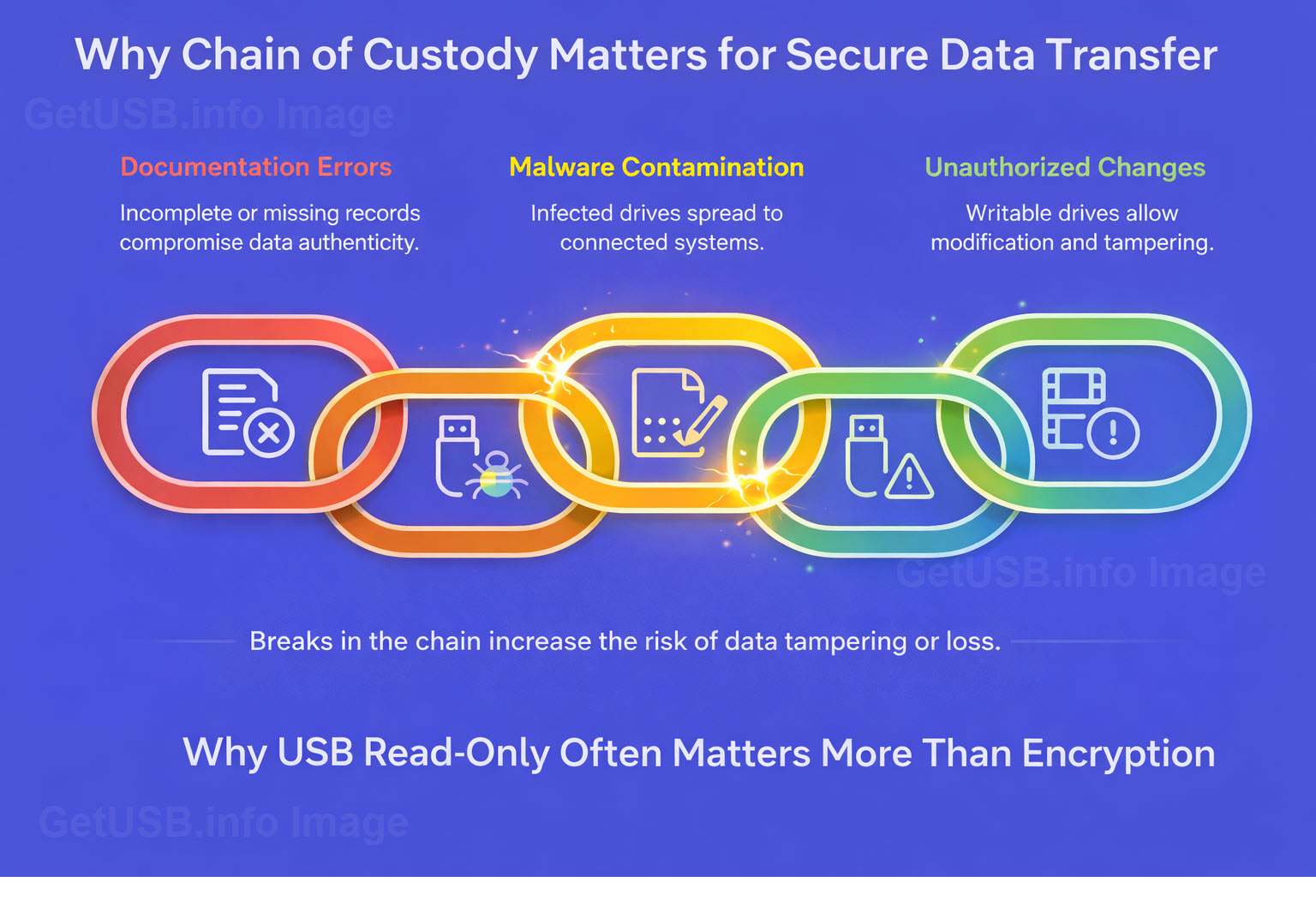
Encryption protects access to data, but it doesn’t guarantee the data hasn’t changed
When people talk about USB security, encryption usually comes up first. And for good reason. If a drive
is lost or stolen, encryption protects the data from being read by someone who shouldn’t have it.
But encryption answers only one question:
Can someone read what’s on the drive if they get it?
It doesn’t answer another question that often matters just as much:
Can the contents of the drive be changed at all?
That distinction gets overlooked, and in many environments, it’s the more important one.
Encryption protects data. Read-only protects trust.
A writable USB drive is mutable by nature. Files can be modified, added, replaced, or removed. That’s true whether the
data is encrypted or not. Once a drive is unlocked, the system assumes change is allowed.
Read-only media changes the model entirely. Instead of asking who is allowed to modify the data, it removes
modification from the equation in the first place. The device becomes a reference, not a workspace.
That difference shows up clearly when you look at how USB drives are actually used in the real world.
Healthcare: stopping problems before they start
In healthcare environments, the fear isn’t just data theft. It’s contamination.
Malware doesn’t need permission to copy itself onto writable media. If a USB drive can accept new data, it can accept
the wrong data. A drive used on one system can quietly become a carrier to the next.
Encryption doesn’t prevent that. Once a drive is writable, the system treats it like any other storage device.
Read-only USB media removes that pathway. Nothing new can be written to the device unless someone intentionally
allows it. That means fewer opportunities for accidental infection, fewer unknown variables, and fewer assumptions
about where the drive has been.
If you want the deeper “how it works” version, this Lock License write-up is a good reference:
new flash drive counters USB cyber threats.
Legal: preserving integrity matters more than secrecy
Legal environments care deeply about authenticity. Evidence, testimony, video files, transcripts, and supporting
documents must remain exactly as they were when produced.
Encryption can protect those files during transport, but it doesn’t guarantee they haven’t been altered. A writable
drive introduces doubt, even if no one intended to change anything.
Read-only media establishes a stronger position: the contents are fixed. The device itself enforces that rule. When
material passes between parties who may not trust each other, that immutability becomes part of the chain of custody.
In legal disputes, it’s often not enough for data to be secure. It has to be defensible.
Manufacturing and service environments: controlling the source of truth
Manufacturers, especially in automotive and industrial settings, rely on accurate instructions, firmware, service
manuals, and calibration data. Those files aren’t just reference material — they directly affect safety and
performance.
A writable USB drive introduces risk. Instructions can be altered, overwritten, or replaced, intentionally or
accidentally. Over time, different versions start circulating, and no one is quite sure which one is authoritative.
Read-only media helps enforce a single source of truth. The device delivers information, not a place to store new
information. That separation reduces errors and limits the opportunity for unauthorized changes.
If you’re coming from the “old-school write-protect switch” world, here’s a practical explainer on the modern
replacement approach:
USB write protect switch replaced with better technology.
Public works and infrastructure: fewer assumptions, fewer failures
Public works organizations often work with field equipment, control systems, and infrastructure assets that aren’t
easily isolated or replaced. USB drives are commonly used to move configuration files, logs, or updates between
systems.
The challenge isn’t just security — it’s reliability. When devices move between unknown systems, assumptions break
down quickly. A writable drive carries the history of everywhere it’s been.
Read-only media limits that history. The device behaves predictably every time it’s connected. That consistency
matters when systems control physical infrastructure rather than office software.
For industrial and critical environments, this is also worth a look:
industrial control system USB flash drive designed for ICS security.
The overlooked question
Encryption remains important. There are many cases where it’s absolutely necessary.
But encryption answers only one part of the problem. Read-only answers a different one — whether the data can change
at all.
In many environments, especially those dealing with safety, compliance, evidence, or critical systems, immutability
matters as much as confidentiality.
Put simply:
Encryption protects data after something goes wrong.
Read-only helps prevent the problem in the first place.
That’s why, in practice, USB read-only often matters more than encryption.